solanageek
· 6 min read
Best Solana Wallets For Meme Coins in 2025
Compare the top Solana wallets for meme coin trading. Phantom, Solflare, Backpack, Ledger & Telegram bots — find out which one fits your trading style.

The best Solana wallet for meme coins is Phantom — it’s beginner-friendly, has built-in scam detection, and works seamlessly with every Solana dApp. For speed-focused traders who need fast execution, Telegram trading bots like Trojan are the better choice. If you’re holding long-term, a Ledger hardware wallet adds an extra layer of security.
As someone who trades Solana meme coins almost daily, I’ve tested all of these wallets extensively. Here’s my honest breakdown of each option so you can pick the right one for your trading style.
Quick Comparison: Solana Wallets for Meme Coins
| Wallet | Best For | Swap Built-in | Priority Fees | Security | Price |
|---|---|---|---|---|---|
| Phantom | Beginners & daily trading | ✅ Yes | ❌ No | Good (scam flags) | Free |
| Solflare | Security-conscious traders | ✅ Yes (Jupiter) | ❌ No | Excellent | Free |
| Backpack | NFT collectors | ✅ Yes | ❌ No | Good | Free |
| Ledger | Long-term holders | Via connected wallet | N/A | Best (offline) | $79+ |
| Telegram Bots | Speed traders & snipers | ✅ Yes | ✅ Yes | Moderate | Free |
What is a Solana Wallet?
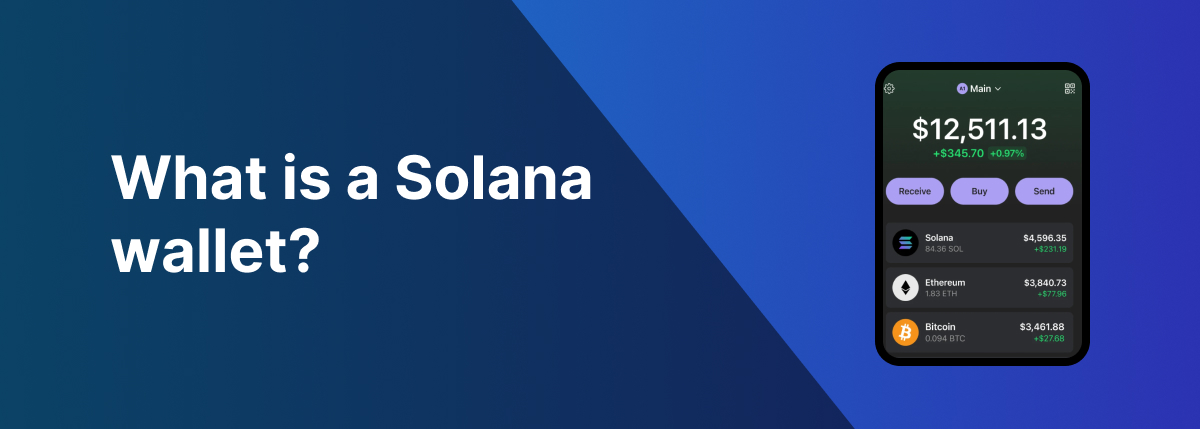
A Solana wallet is a tool that lets you store, send, and receive tokens on the Solana blockchain. When you buy a meme coin, it goes into your wallet. Your wallet also holds your private keys — the cryptographic proof that you own your tokens.
There are two main types:
- Hot wallets (Phantom, Solflare, Backpack) — Connected to the internet, convenient for trading
- Cold wallets (Ledger) — Offline storage, more secure but less convenient
For active meme coin trading, you’ll want a hot wallet. For large holdings you’re not trading, consider a cold wallet.
Best Solana Wallets for Meme Coins (Ranked)
1. Phantom — Best Overall

Phantom is the most popular Solana wallet with over 3 million users. It’s my top recommendation for most traders because it balances ease of use with solid security features.
Why I use Phantom:
- Clean, intuitive interface that works on desktop and mobile
- Built-in scam detection that warns you about suspicious tokens
- Swap tokens directly in the wallet without visiting a DEX
- Native NFT gallery to view your collection
- Automatic transaction simulation shows you what will happen before you sign
Drawbacks:
- Can’t customize priority fees (slower during network congestion)
- No built-in sniping features
Verdict: If you’re new to Solana or want a reliable daily driver, start with Phantom.
2. Solflare — Best for Security
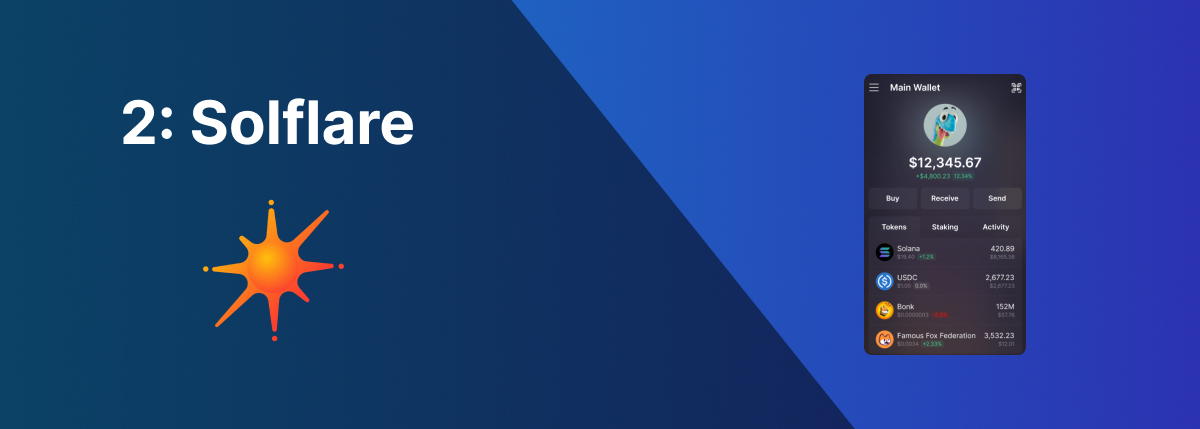
Solflare is Phantom’s main competitor, with a stronger emphasis on security. I keep a Solflare wallet as a backup — never put all your eggs in one basket.
Key features:
- Jupiter DEX integration for in-wallet swaps
- Strong scam detection and transaction warnings
- Excellent Ledger hardware wallet integration
- Staking support with detailed validator info
Drawbacks:
- Slightly less polished UI than Phantom
- No priority fee customization
Verdict: Great choice if security is your top priority, or as a secondary wallet.
3. Backpack — Best for NFT Collectors
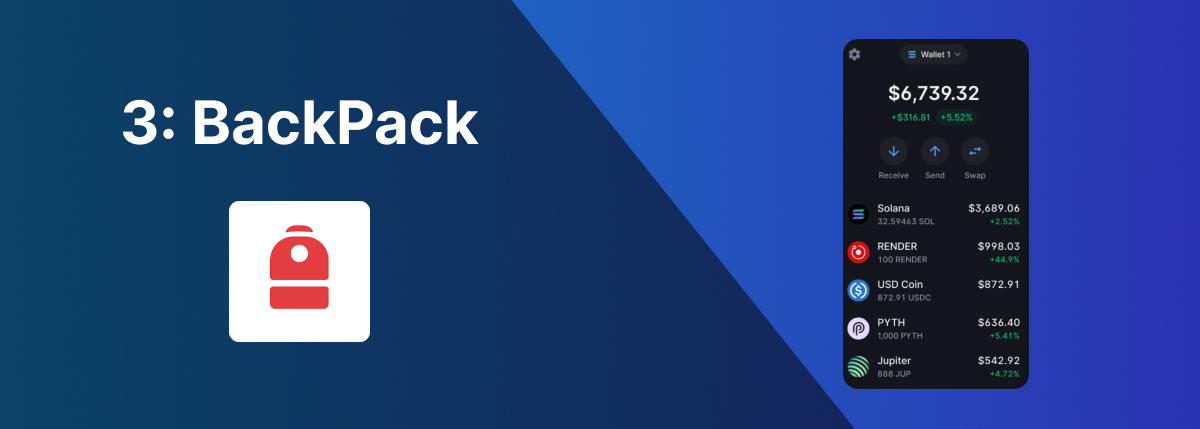
Backpack is a newer wallet built by the xNFT team. It has a unique approach with “executable NFTs” (xNFTs) that can run apps directly in your wallet.
Key features:
- Support for xNFTs — NFTs that are actually apps
- Clean, modern interface
- In-wallet token swaps
- Bonus points on some dApps (potential airdrops)
Drawbacks:
- Smaller user base (less community support)
- No priority fee customization
- xNFT ecosystem is still developing
Verdict: Best if you’re deep into Solana NFTs and want potential airdrop exposure.
4. Ledger — Best for Long-Term Holding
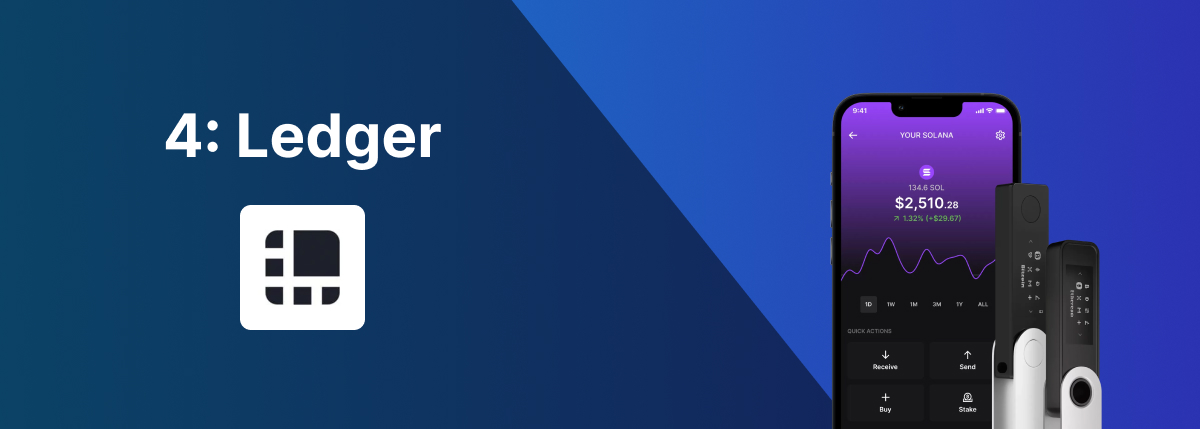
Ledger is a hardware wallet that stores your private keys offline. This makes it virtually impossible for hackers to steal your funds remotely.
Key features:
- Offline storage — keys never touch the internet
- Supports Solana + 5,500 other cryptocurrencies
- Integrates with Phantom and Solflare for easy use
- Physical confirmation required for transactions
When to use Ledger:
- Holding large amounts you’re not actively trading
- Long-term meme coin bets you plan to hold for months
- Any amount that would hurt to lose
Models:
| Model | Price | Screen | Bluetooth |
|---|---|---|---|
| Nano S Plus | $79 | Small | ❌ No |
| Nano X | $149 | Small | ✅ Yes |
| Stax | $279 | Large touchscreen | ✅ Yes |
Verdict: Essential if you’re holding significant value. Not practical for active trading.
5. Telegram Trading Bots — Best for Speed
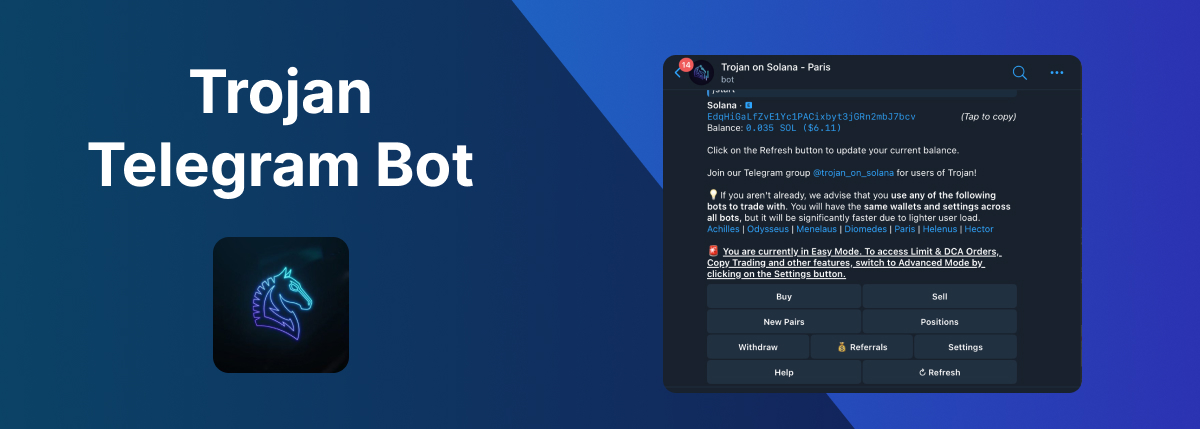
Telegram bots like Trojan, BonkBot, and SolTradingBot aren’t traditional wallets, but they’re essential tools for serious meme coin traders.
Why traders use them:
- Speed — Execute trades faster than browser wallets
- Priority fees — Customize tips to front-run congestion
- Sniping — Buy tokens the moment they launch
- Copy trading — Follow successful wallets automatically
Popular options:
| Bot | Best Feature | Referral Fees |
|---|---|---|
| Trojan | Speed & reliability | 1% |
| BonkBot | User-friendly | 1% |
| Photon | Advanced charts | 1% |
| Maestro | Multi-chain | 1% |
Drawbacks:
- Your funds are in a hot wallet controlled by the bot
- Must trust the bot’s security
- Less intuitive than browser wallets
Verdict: Necessary for sniping and fast trading. Use alongside a regular wallet, not as your only option.
Which Wallet Setup Should You Use?
Here’s what I recommend based on your trading style:
Beginner (just starting out):
- Phantom only — keep it simple
Active trader:
- Phantom for daily transactions
- Telegram bot (Trojan or BonkBot) for fast trades and snipes
Serious trader with significant holdings:
- Phantom for daily use
- Telegram bot for speed
- Ledger for long-term holds
Security-focused:
- Solflare + Ledger integration
- Telegram bot only for small amounts you’re willing to risk
How to Stay Safe with Your Solana Wallet
Meme coin trading is risky. Here’s how to protect yourself:
- Never share your seed phrase — No legitimate service will ever ask for it
- Use multiple wallets — Separate your trading funds from long-term holds
- Enable transaction simulation — Both Phantom and Solflare show you what a transaction will do before you sign
- Check scam warnings — If your wallet flags a token, investigate before interacting
- Bookmark official sites — Phishing sites look identical to real ones
- Start small — Test with small amounts before depositing more
FAQ
Which Solana wallet has the lowest fees?
All Solana wallets charge the same network fees (around $0.00025 per transaction). The wallet itself is free. Some Telegram bots charge a 1% fee on swaps, but this pays for their speed infrastructure.
Can I use multiple Solana wallets?
Yes, and you should. Many traders use Phantom for daily transactions, a Telegram bot for speed, and Ledger for long-term storage. Each wallet has its own address and seed phrase.
Is Phantom safe for meme coins?
Yes. Phantom has built-in scam detection, transaction simulation, and is used by millions of traders. The main risk isn’t the wallet — it’s connecting to malicious websites or buying scam tokens.
Do I need a hardware wallet for meme coins?
Not for small amounts, but recommended for significant holdings. If losing your meme coins would seriously hurt, a Ledger is worth the $79-149 investment.
What’s the fastest wallet for buying meme coins?
Telegram trading bots (Trojan, BonkBot, SolTradingBot) are faster than browser wallets because they let you customize priority fees and pre-sign transactions. For sniping new launches, they’re essential.
Can I recover my wallet if I lose my phone?
Yes, as long as you have your seed phrase (12-24 words). Never store this digitally — write it on paper and keep it somewhere safe. Without the seed phrase, your funds are gone forever.
Get Started Trading Meme Coins
Now that you have a wallet, here’s what to do next:
- Learn to find new coins — Check out how to use Photon for discovering tokens
- Set up a trading bot — Follow my Trojan guide for faster execution
- Learn to snipe — Read how to snipe tokens on Solana for early entries
- Explore pump.fun — See how to buy coins on pump.fun for the latest launches
Happy trading! 🎉